
Best No-Code AI Tools for Test Case Generation
By Danko Petrovic ·

No-code AI tools are transforming software testing by making it accessible to everyone, even without coding skills. These tools use AI to automatically generate test cases, analyze application behavior, and identify critical paths. They simplify workflows, reduce maintenance time, and improve test coverage.
Here’s what you’ll learn in this guide:
- How AI creates test cases: AI analyzes user interactions and past data to generate detailed scenarios.
- Key benefits: No-code platforms enable collaboration between technical and non-technical teams, saving time and resources.
- Must-have features: Look for automated test creation, drag-and-drop interfaces, and integration with CI/CD tools.
- Top tools: Explore TestRigor, Applitools, Mabl, AccelQ, and Katalon Studio for their standout features.
Quick Comparison
| Tool | Focus | Key Features | Best For |
|---|---|---|---|
| TestRigor | Natural Language Testing | Plain English test creation, API testing | Non-technical teams |
| Applitools | Visual AI Testing | UI validation, cross-browser testing | Visual testing needs |
| Mabl | Intelligent Test Automation | Adaptive scripts, detailed analytics | Large-scale applications |
| AccelQ | Self-healing AI | Selenium integration, natural language | Selenium compatibility |
| Katalon Studio | Hybrid Testing | Multi-platform support, smart detection | Cross-platform testing |
These tools make testing faster, more efficient, and inclusive for all team members. Dive in to find the right fit for your testing needs!
Revolutionize QA Testing with AI: Introducing QA Copilot for No-Code Automation
Must-Have Features in No-Code AI Testing Tools
When considering no-code AI testing tools for generating test cases, certain features play a key role in determining how effective and user-friendly they are. A Capgemini survey found that organizations using AI in testing experienced a 75% cost reduction and improved defect detection in 80% of cases. Let’s break down the features that testing teams should prioritize.
Automated Test Case Creation
No-code AI tools can automatically convert requirements and user actions into detailed test cases. For example, TestRigor allows manual testers to create tests using plain English, making it easy for team members without technical expertise to participate. According to Gartner, AI-powered testing tools improve test accuracy by 43% and increase test coverage by 40%. This automation not only simplifies test creation but also makes the process more accessible with intuitive interfaces.
Drag-and-Drop Test Building
Visual interfaces with drag-and-drop functionality make test creation straightforward for all team members. Tools like Virtuoso highlight this approach by offering a user-friendly interface that lets non-technical users build and execute tests without writing any code. This method works even better when paired with AI capabilities, enabling a more inclusive testing process.
Software Stack Compatibility
Integration capabilities are essential for smoothly embedding these tools into existing development workflows. QMetry, for instance, integrates with tools like Jira, Jenkins, and Git, ensuring teams can continue using their preferred workflows while benefiting from AI-driven testing.
| Integration Type | Purpose | Impact on Testing |
|---|---|---|
| CI/CD Tools | Automated test execution | Speeds up release cycles |
| Bug Tracking | Issue management | Simplifies problem-solving |
| Version Control | Test script management | Enhances collaboration |
| Test Management | Test case organization | Boosts test coverage |
BrowserStack's Low-Code Automation tool is another example of strong integration capabilities. It combines AI-driven features with seamless connections to popular CI/CD tools. These integrations ensure that no-code AI tools fit effortlessly into existing workflows, helping teams work more efficiently and achieve better testing results.
5 Leading No-Code AI Testing Tools
We've reviewed numerous AI-driven testing solutions and narrowed it down to five excellent tools for generating test cases without coding. Each tool brings something different to the table, catering to various testing needs and team sizes.
Tool 1: TestRigor
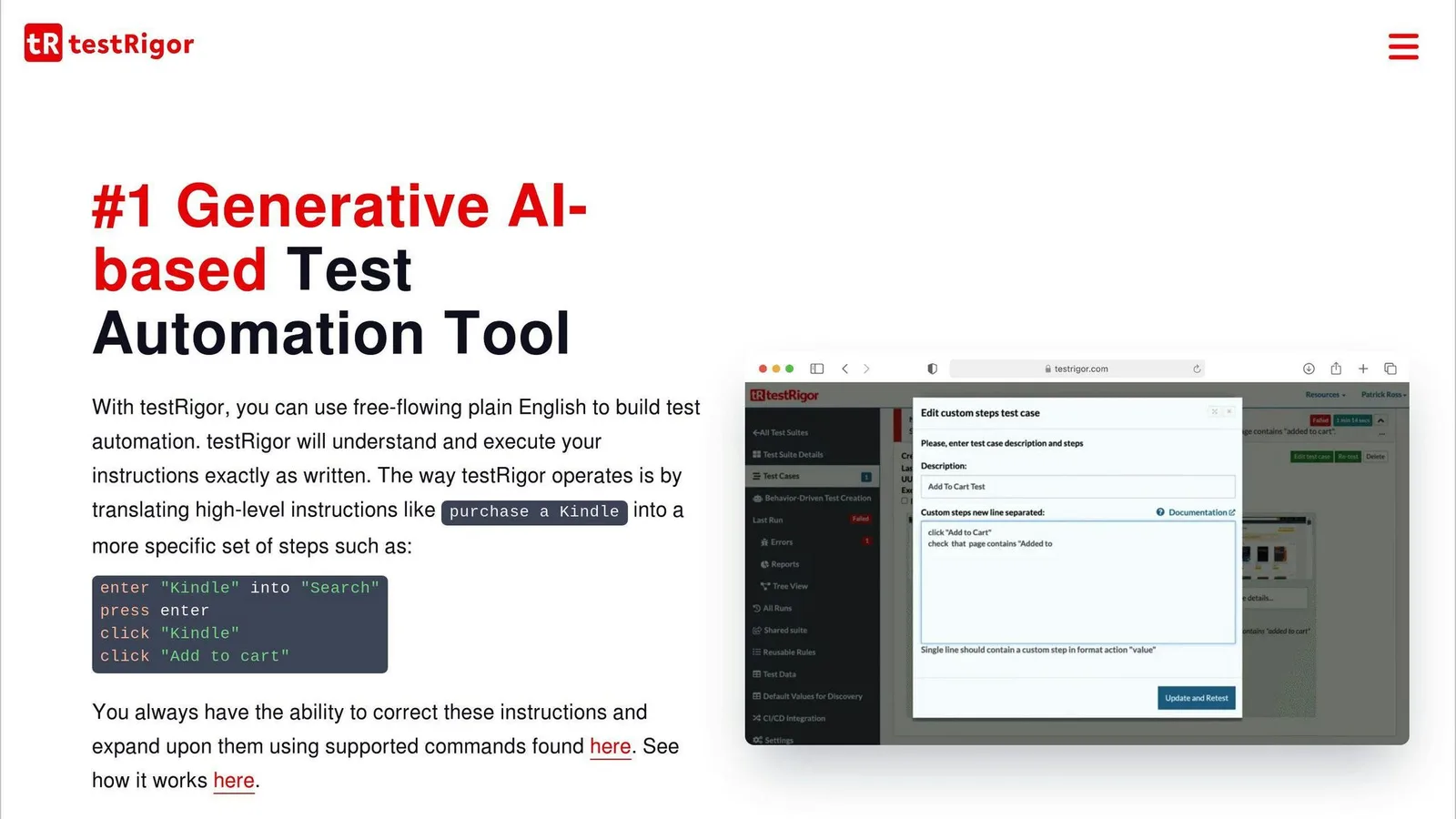
TestRigor uses natural language processing to let testers create automated tests in plain English. Its AI engine translates these instructions into test cases, making it ideal for teams transitioning to automation.
Key features include:
- Creating tests using natural language
- Support for cross-environment testing
- Self-healing test maintenance
- API testing capabilities
Pricing starts with a free tier for open-source projects. Private plans begin at $900 per month for unlimited users, with enterprise pricing available for custom needs.
Tool 2: Applitools
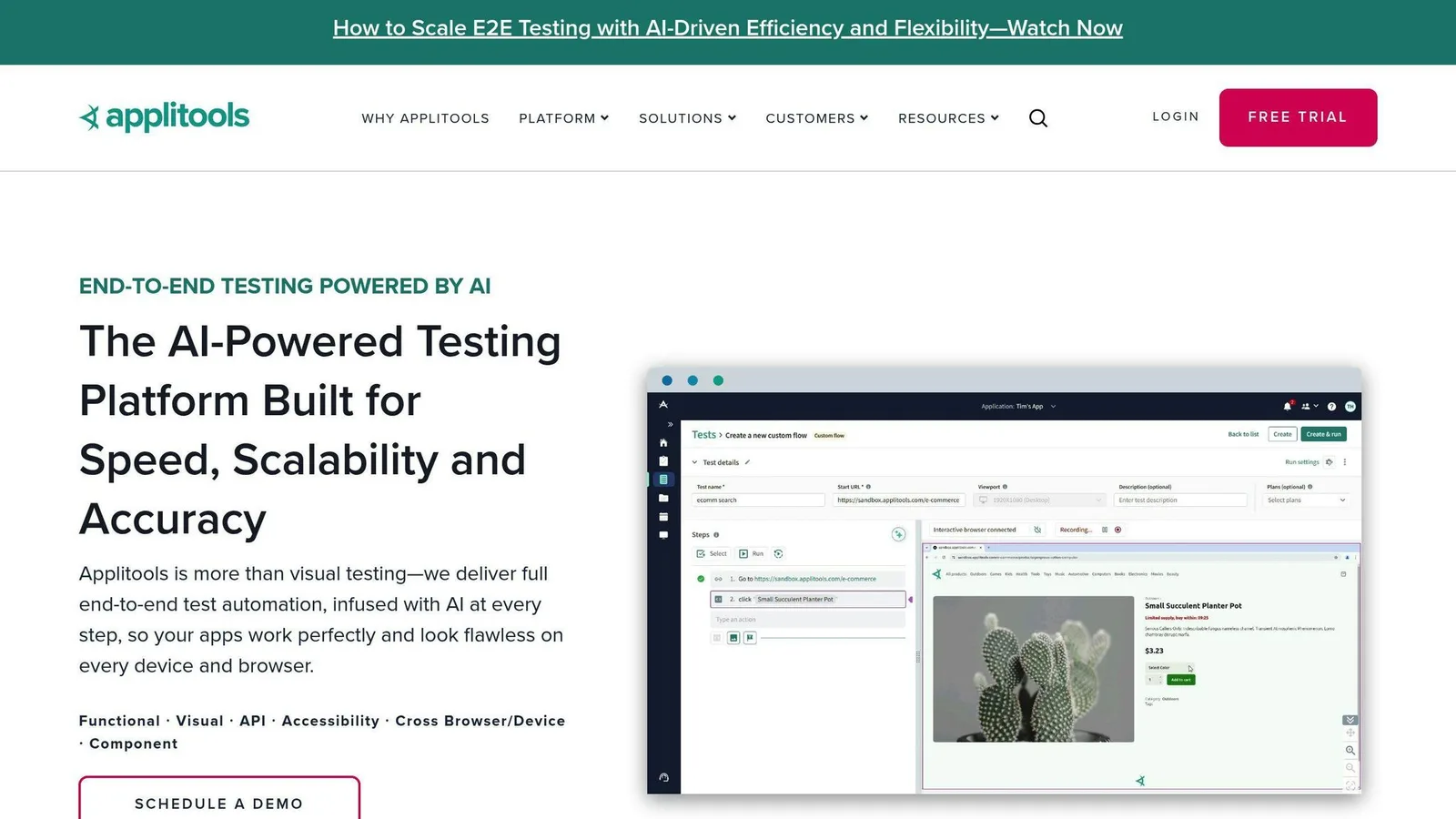
Applitools focuses on AI-powered visual testing. Its Visual AI technology identifies subtle UI changes and bugs that traditional tools might miss, ensuring a consistent user experience across platforms. The no-code interface makes it accessible for non-technical users.
Features include:
- Cross-browser and responsive testing
- Layout validation with Visual AI
- Automated maintenance
- CI/CD integration
Applitools offers a free tier for single users, while advanced features are available in the Plus and Eyes plans, designed for larger teams.
Tool 3: Mabl
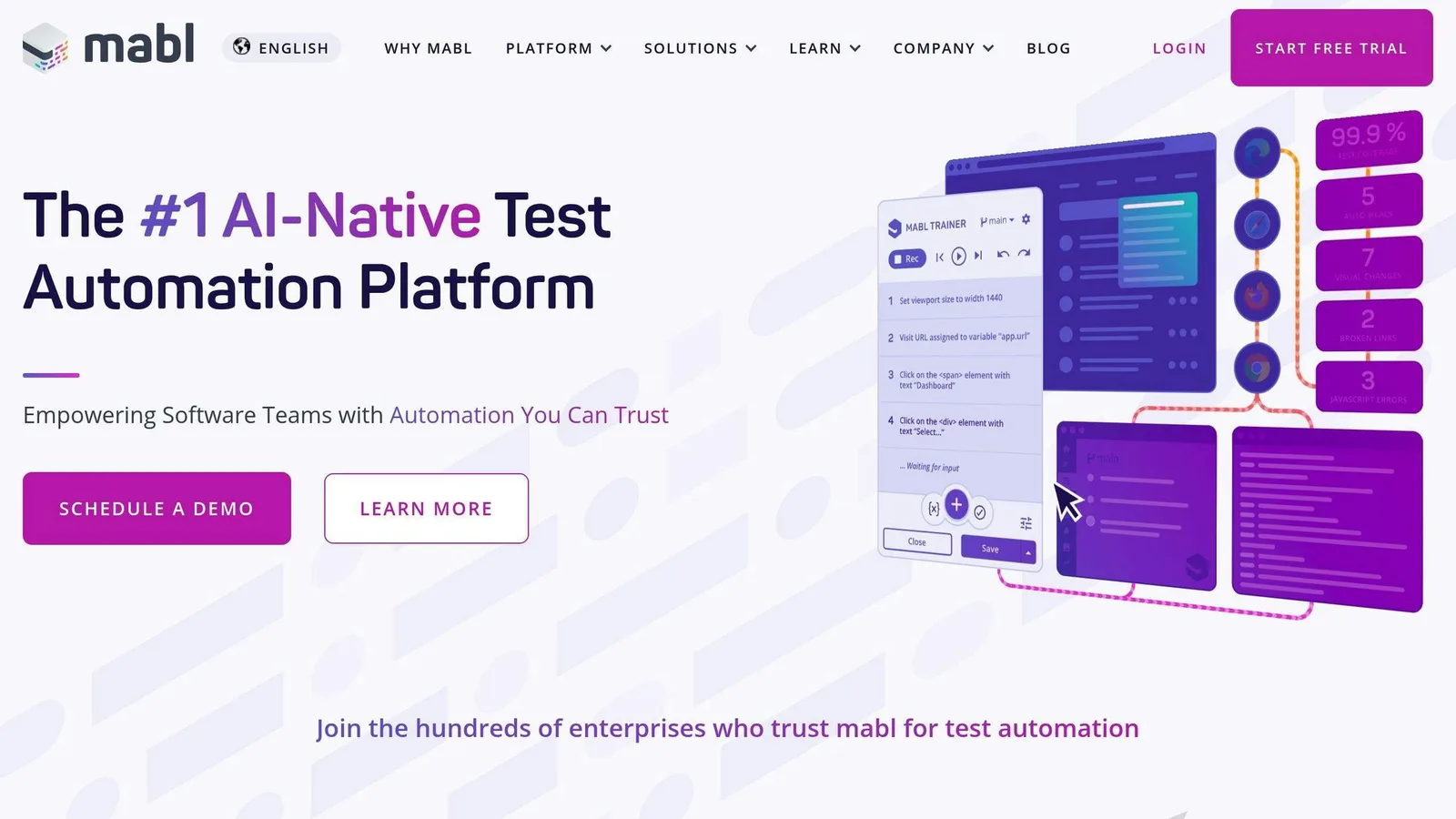
Mabl excels in intelligent test automation that adapts to changes in applications. Thanks to machine learning, it minimizes test maintenance and ensures tests stay relevant.
Key capabilities:
- Adaptive test scripts that evolve with application updates
- CI/CD pipeline integration
- Detailed test analytics
- Cross-browser testing
Pricing is available through their sales team upon request.
Tool 4: AccelQ
AccelQ combines AI-powered self-healing technology with natural language processing, making codeless testing efficient. It also integrates seamlessly with Selenium, offering a hybrid approach that merges advanced AI with traditional frameworks.
Tool 5: Katalon Studio
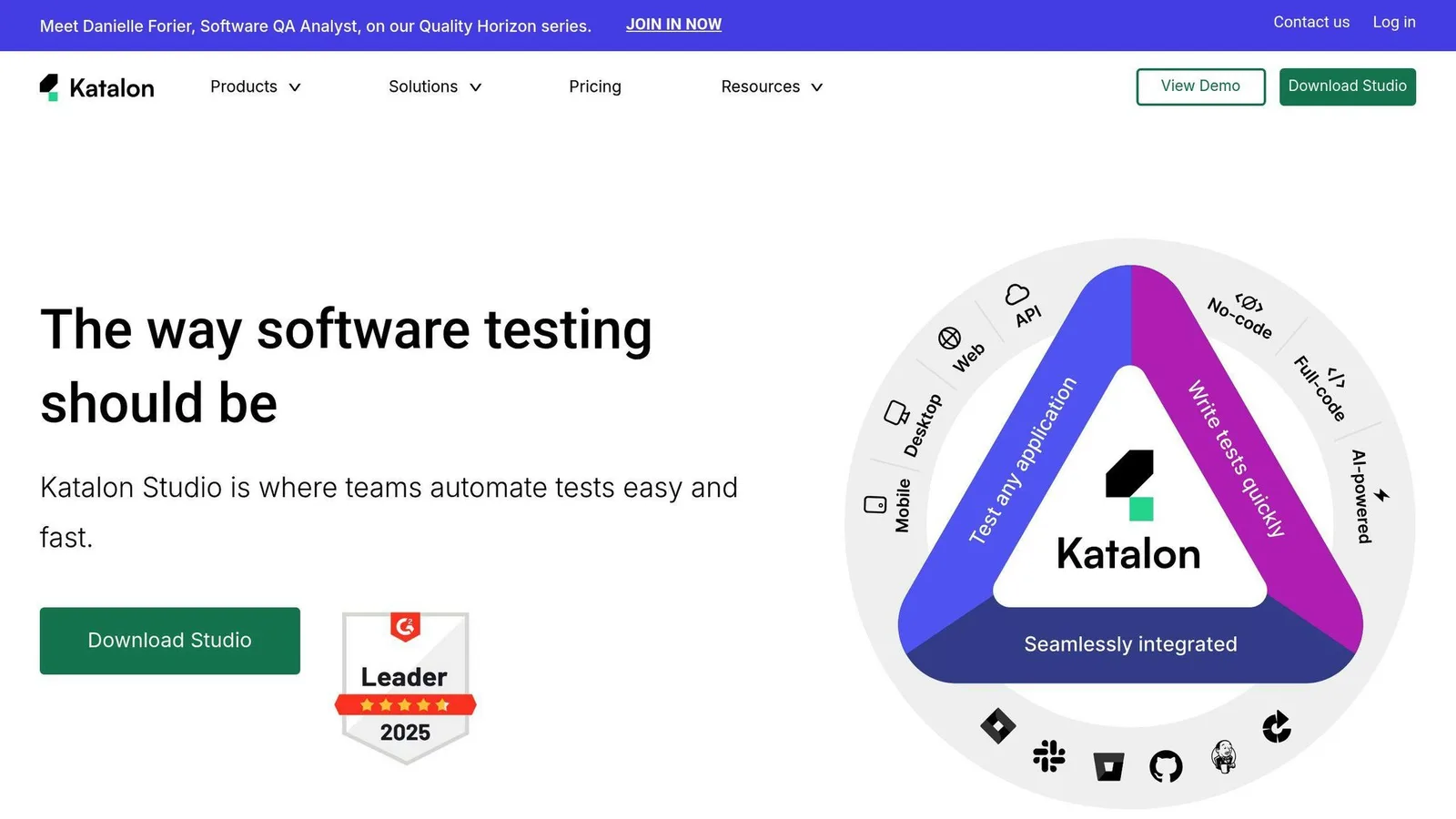
Katalon Studio is a flexible platform supporting both codeless and low-code testing. It covers web, API, mobile, and desktop platforms on Chrome, Android, iOS, and Windows. With AI-enhanced features like smart element detection and automated test maintenance, it simplifies test creation and execution.
These tools cater to a range of testing needs, and the comparison chart below outlines their standout features side by side.
sbb-itb-cbd254e
Tool Comparison Chart
Here's a breakdown of five leading no-code AI testing tools to help you decide which one suits your needs:
| Feature | TestRigor | Applitools | Mabl | AccelQ | Katalon Studio |
|---|---|---|---|---|---|
| Primary Focus | Natural Language Testing | Visual AI Testing | Intelligent Test Automation | Self-healing AI | Hybrid Testing |
| Test Creation | Plain English commands | Visual recording | ML-powered recording | Natural language | Drag-and-drop + scripting |
| AI Capabilities | NLP for test generation | Visual AI for UI testing | Adaptive testing | Self-healing scripts | Smart element detection |
| Starting Price | Custom pricing | Custom pricing | Custom quote | Custom quote | Custom pricing |
| Best For | Teams moving to automation | Visual regression testing | Enterprise applications | Selenium integration | Cross-platform testing |
| Integration Options | CI/CD pipelines Issue trackers | Major CI/CD tools Testing frameworks | DevOps tools CI/CD platforms | Selenium API testing tools | Multiple frameworks CI/CD tools |
Each tool has its strengths. TestRigor focuses on natural language processing (NLP) for easy test creation, while Applitools is designed for advanced visual testing. Mabl's adaptive testing capabilities earned it recognition with the 2023 AI Breakthrough Award.
If pricing is a key factor, note that options range from free tiers for small teams to custom enterprise plans. For example, TestRigor offers a starting price of $900/month for unlimited users, making it a great choice for scaling teams.
Choosing the Right Tool
Here’s a quick guide to match tools with your priorities:
| Consideration | Best Tool Choice |
|---|---|
| Visual Testing Needs | Applitools |
| Non-Technical Teams | TestRigor |
| Large-Scale Applications | Mabl |
| Selenium Compatibility | AccelQ |
| Multi-Platform Testing | Katalon Studio |
For an even deeper dive into AI testing tools, check out the AI Testing Tools Directory. Selecting the right tool can streamline your testing process and improve overall efficiency.
Using the AI Testing Tools Directory
The AI Testing Tools Directory is a handy resource for comparing and evaluating various no-code AI testing tools.
How to Evaluate and Choose No-Code Tools
The directory offers advanced filters like 'no-code AI testing' and 'AI-powered test automation' to help you narrow down your options. Here's what to focus on:
| Filter Category | Key Details to Look For |
|---|---|
| Primary Features | No-code/low-code testing, Test case generation |
| AI Capabilities | Self-healing automation, Intelligent analytics |
| Testing Type | Web, Mobile, API testing |
| Implementation | Integration options, Deployment models |
When you're reviewing tools, consider these key factors:
| Evaluation Criteria | Focus Areas |
|---|---|
| Test Creation | Natural language processing, Visual recording capabilities |
| AI Features | Self-healing tests, Smart element detection |
| Integration | CI/CD pipeline compatibility, Issue tracker connections |
| Support | Quality of documentation, Availability of training resources |
Making Data-Driven Decisions
The directory provides detailed listings that include pricing, user reviews, and case studies to help you make well-informed choices:
- Case studies from businesses with similar needs
- Insights into real-world integration with existing systems
- Clear pricing details to aid in budget planning
- User feedback on how effective and easy the tools are to use
With regular updates, the directory ensures access to the latest tools and features. It’s a practical way for teams to simplify their search and make smarter decisions when choosing a no-code AI testing solution.
Summary and Next Steps
No-code AI testing tools are changing the game for software testing. These tools are making testing more approachable and efficient for teams, regardless of their size or technical expertise. With their growing influence across industries, it's worth exploring how they can fit into your organization's workflow.
Here’s a practical roadmap to guide you through the process:
1. Assessment Phase
Start by analyzing your current testing setup. Pay attention to key metrics like test coverage and the time it takes to execute tests. This will help you identify areas where no-code AI tools can make the biggest impact.
2. Tool Selection
When picking a tool, focus on these important criteria:
| Selection Criteria | Key Considerations | Impact on Testing |
|---|---|---|
| Integration Capabilities | Works with your CI/CD pipeline | Simplifies workflows |
| AI Features | Includes self-healing automation and analytics | Cuts down on maintenance |
| Testing Scope | Supports web, mobile, and API testing | Covers a broad range of needs |
| Support Resources | Offers clear documentation and training | Eases the learning curve |
Once you've chosen the right tool, it’s time to bring it into your testing process.
3. Implementation Strategy
To get the most out of your chosen tool, take a step-by-step approach. Start with a pilot project to test its capabilities in a controlled environment.
Set clear goals, train your team, and track key metrics like defect detection rates and test coverage. Don’t overlook community resources, such as the AI Testing Tools Directory, which can provide additional guidance and best practices.
According to Gartner, organizations that adopt AI-powered testing solutions correctly can achieve up to 43% higher test accuracy and expand their test coverage by 40%. These numbers highlight the potential rewards of integrating these tools effectively.
FAQs
Are there any AI no-code tools?
Yes, several AI no-code tools are available for test case generation, designed to simplify the process with visual interfaces and automation. Here's a quick overview of how they work:
| Feature | What It Does | Example Tool |
|---|---|---|
| Visual Interface | Enables test creation with drag-and-drop | TestCraft |
| Self-healing Automation | Keeps tests stable during UI updates | Virtuoso |
| Automated Test Generation | Builds test cases from user interactions | Reflect |
| CI/CD Integration | Seamlessly connects to development workflows | QMetry |
No-code tools like RainforestQA and Reflect use automation to evaluate application interfaces and generate test scenarios. This approach makes test creation faster and more efficient, without sacrificing accuracy or coverage.
For more details on these tools, the AI Testing Tools Directory is a helpful resource to explore further.